
If you are searching for an e-commerce launch checklist, you probably already know the uncomfortable truth: most online store problems are not bugs. They are cases nobody tested, because they only happen with real money and real customers.
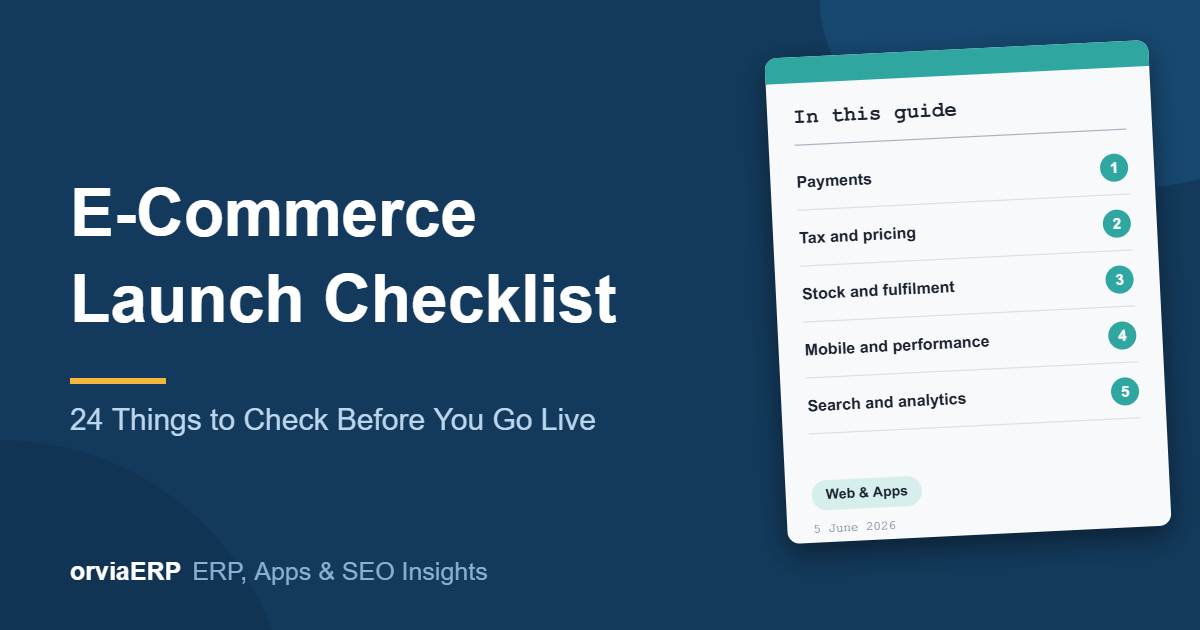
This guide gives you 24 checks to run before you announce your store. They cover payments, tax, stock, mobile checkout and search, in the order that tends to cost the most when it goes wrong.
Why launch testing matters
A store that looks perfect in the demo can still lose its first orders to a payment that hangs, a tax line that is wrong, or a checkout that is painful on a mid-range phone. Each of these is cheap to fix before launch and expensive after, because customers rarely complain. They simply leave.
Payments
- Place a real order with a real card, then refund it end to end.
- Test a failed payment. The order should stay pending and the stock should be released.
- Test a payment that succeeds but the browser closes before the redirect. The order must still be marked paid.
- Confirm UPI, net banking and cash on delivery each behave correctly.
- Check that a partial refund updates both the invoice and the ledger.
Tax and pricing
- GST is applied by product category, not as one flat rate.
- Tax on shipping charges is handled the way your accountant expects.
- Interstate and intrastate supply is decided from the delivery address.
- Invoice numbering is continuous and compliant.
- Discount codes cannot be stacked into a negative total.
Stock and fulfilment
- Two customers buying the last unit at the same moment: one must fail cleanly.
- Out-of-stock items are hidden or clearly marked, never silently orderable.
- Courier serviceability is checked by pincode before the customer pays.
- Tracking updates reach the customer by email and SMS.
- Staff can actually process a return and an exchange.
Mobile and performance
- Complete a full checkout on a mid-range Android phone on 4G, not on office wifi.
- Compress product images. A 3 MB hero image is a lost sale.
- The address form uses the right keyboard types and autofill.
- PageSpeed Insights mobile score is above 70 on product pages.
Search and analytics
- Product schema with price and availability on every product page.
- Canonical tags on filtered and sorted category URLs.
- Sitemap submitted, and the staging site blocked from indexing.
- E-commerce conversion tracking firing on the real thank-you page.
- Abandoned cart recovery configured and tested.
Launch checklist at a glance
| Area | What to test | Risk if skipped |
| Payments | Failure, refund and closed-browser cases | Paid orders that look unpaid |
| Tax | GST by category, interstate supply | Wrong invoices and filing trouble |
| Stock | Last-unit and out-of-stock behaviour | Overselling and refunds |
| Mobile | Full checkout on a real phone | Abandoned carts |
| Search | Schema, canonicals, sitemap | Duplicate pages and no rich results |
A simple launch-week plan
- Two weeks before: finish payments, tax and stock tests on a staging site.
- One week before: run the mobile and speed tests, then fix the slowest pages.
- Three days before: place live test orders and refund them.
- Launch day: switch off staging indexing, submit the sitemap, and watch the first orders closely.
- First week: review failed payments and abandoned carts every day.
Common launch mistakes
- Testing only with test cards and never with a real payment.
- Leaving the staging site indexable, so Google sees two copies of the store.
- Launching without a return process that staff can follow.
- Checking the store only on a fast office computer.
- Starting ads before conversion tracking is proven.
Frequently asked questions
How long does an e-commerce launch checklist take to complete?
For a small store, plan about a week of testing alongside final content work. Larger catalogues with many payment and shipping options need more.
Do I need to test with real money?
Yes, at least once. Test cards do not reproduce bank delays, UPI timeouts or refund timing, which are the cases that cause real support tickets.
What should I test first?
Start with payments and tax. A broken payment flow stops revenue, and a wrong tax line creates accounting work that is painful to undo.
Is mobile testing really that important?
Yes. In India most store traffic comes from phones, often on mid-range devices and mobile data, so that is the experience to check.
Can I fix problems after launch?
You can, but every fix then happens with customers watching. Finding the same issue in staging costs far less.
How ORVIA helps
ORVIA builds online stores with payment gateways, inventory sync and an admin panel built for people who are not developers. Every store goes through a launch test like this one before it goes live, so the first real order is not the first real test.
See our e-commerce development service, or ask us to review a store you have already built.
Final thoughts
A launch is only as strong as its least-tested path. Run the payment, tax, stock, mobile and search checks above, fix what they find, and you remove the problems that usually surface in the first week.
Do the boring tests first. They are the ones that protect your revenue.
Want a second pair of eyes before you go live? Talk to ORVIA, call +91 91225 05250 or email hello@orviaerp.com.