
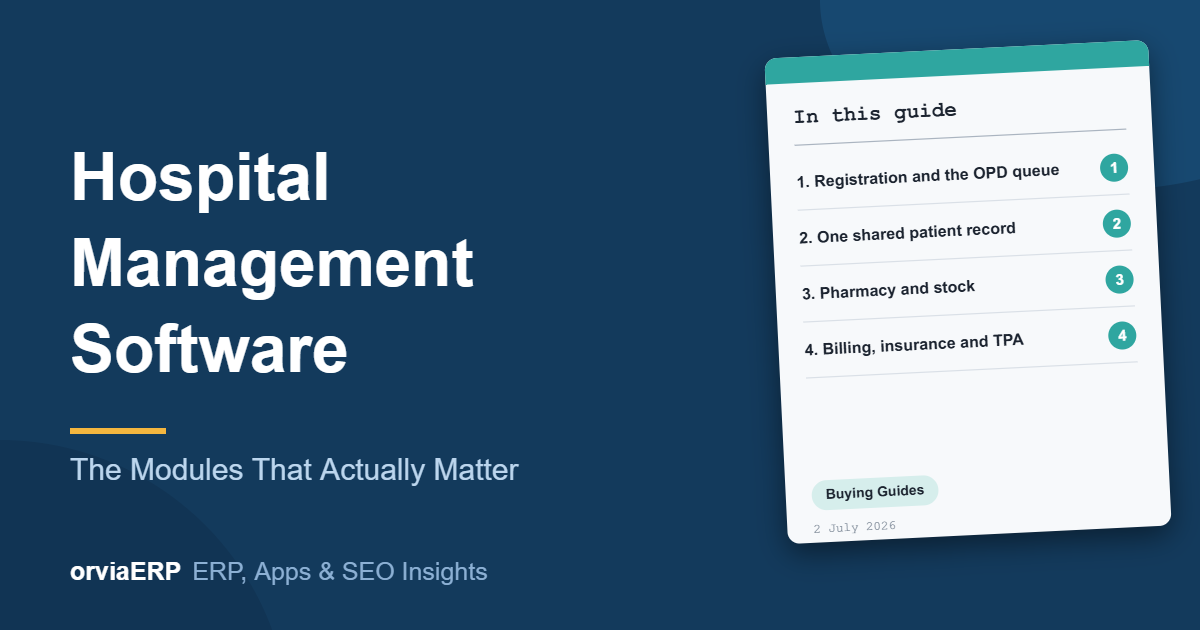
Hospital Management Software: The Modules That Actually Matter
Hospital software is sold as a list of forty modules. In practice, value concentrates in four places, and the rest is administration. If you are choosing a hospital management software system, buy for the four, and treat everything else as a bonus.
Here is where a system earns its cost, and where it only creates data entry.
1. Registration and the OPD queue
This is where patients form their opinion of your hospital. Look for:
- Returning-patient lookup by phone number, so nobody is re-registered.
- Appointment slots that prevent double booking.
- A token display that reduces crowding at the counter.
A registration that takes more than ninety seconds is a queue generator. Ask the vendor to register a returning patient live during the demo, with a stopwatch running.
2. One shared patient record
The test of a real system is whether a patient is asked the same question twice. Registration, consultation, diagnostics, pharmacy and billing must read and write the same record.
If lab results reach the doctor as a printed sheet carried by hand, the software is not doing its job. Ask the vendor to show you a result entered in the lab appearing on the doctor’s screen without anyone re-keying it.
3. Pharmacy and stock
A hospital pharmacy is both a patient service and a stock risk. The system should give you:
- Batch and expiry tracking, with alerts before expiry rather than after.
- Automatic stock reduction on dispensing, not a separate entry.
- Substitute suggestions when an item is out of stock.
- Daily reconciliation between pharmacy sales and billing.
If the pharmacy and billing numbers only match at month end, you are finding errors weeks after they happened. For a closer look at the expiry side, read our guide on medicine expiry management, and see how Orvia Pharmacy handles batch tracking.
4. Billing, insurance and TPA
Cash billing is easy. Claims are where money is lost. The system should track a claim from admission through submission to settlement, and flag what is pending, queried or rejected before it ages out of reach.
Check that it can:
- Record the authorisation and approved amount against the admission, so the final bill is compared with what the insurer agreed to pay.
- Hold TPA-specific rates and package pricing, so staff are not working from a spreadsheet beside the software.
- Show claim ageing, so you can see which claims have been waiting 30, 60 or 90 days.
- Reconcile settlements against billed amounts, with every deduction and its stated reason recorded.
- Keep supporting documents with the claim, so a query from the TPA does not start a search through files.
The question to ask in the demo is simple: “Show me every claim from last quarter that is still unpaid, and why.”
What to treat as administration
Many of the remaining modules are useful, but they do not change how a patient experiences your hospital or how much money you recover. Typical examples are HR and payroll, asset registers, canteen and housekeeping tracking, and visitor management.
Buy them if they come inside the package and work with the same record. Do not let them drive the decision, and do not pay for a long list of modules that your staff will not use.
A short demo checklist
Ask the vendor to show, live and with your own scenarios:
- A returning patient registered in under ninety seconds
- A lab result reaching the doctor without re-entry
- A medicine dispensed with stock reduced automatically
- An expiry alert before the date, not after
- A TPA claim followed from admission to settlement
- A daily reconciliation of pharmacy sales against billing
If a vendor cannot show these without preparation, you are looking at data entry software, not a hospital system.
How ORVIA approaches hospital software
Our hospital management software is built on one shared patient record across OPD and IPD registration, appointments, pharmacy, diagnostics and insurance billing. It is designed around the four areas above, and our healthcare clients report average OPD registration of around five minutes and a 35% faster discharge cycle.
You get a written scope and fixed price within 24 hours, a named project manager, structured data migration from your existing registers or system, staff training before go-live and free support for the first twelve months. Source code and accounts stay in your name.
If you also want patients to find your hospital online, we build appointment-ready websites and handle local SEO for every branch.
Get a written proposal in 24 hours →
Frequently asked questions
What are the most important modules in hospital management software?
Four modules carry most of the value: registration and the OPD queue, a shared patient record, pharmacy and stock, and billing with insurance and TPA claim tracking. Other modules are mainly administrative.
How many modules does a hospital actually need?
Fewer than vendors list. Start with the four core areas, confirm they work together on one patient record, and add administrative modules only where your staff will use them.
How can I test a hospital management system before buying?
Ask for a live demo using your own scenarios: a returning patient, a lab result, a dispensed medicine and a TPA claim. If the vendor needs to prepare for each one, the workflow is probably not smooth.
Why do TPA claims get delayed or rejected?
Common causes are missing documents, mismatches between the authorised and billed amounts, and queries that were not answered in time. A system that tracks each claim from admission to settlement makes these visible early.
Can hospital software connect pharmacy and billing?
It should. Dispensing should reduce stock automatically and post to the patient’s bill, with a daily reconciliation between pharmacy sales and billing.