
If you run a clinic chain, a showroom network, a pharmacy group or any business with several branches, local SEO for multi-location businesses decides who gets the "near me" calls. A customer standing on MG Road who searches "dentist near me" sees three businesses in the map pack. The rest might as well not exist.
Multi-location SEO is mostly structural work, and the most common mistake is copying one page five times. This guide covers the setup that works: one page per branch, consistent business details, a profile and a review routine for every location, and structured data that ties it all together.
Why the map pack matters for every branch
For any business people travel to, the map pack is worth more than the organic results below it. It sits at the top of the page, shows your phone number and directions, and lets a customer call or navigate in one tap. With several branches, each location competes in its own small area, so each one needs its own foundation instead of borrowing strength from head office.
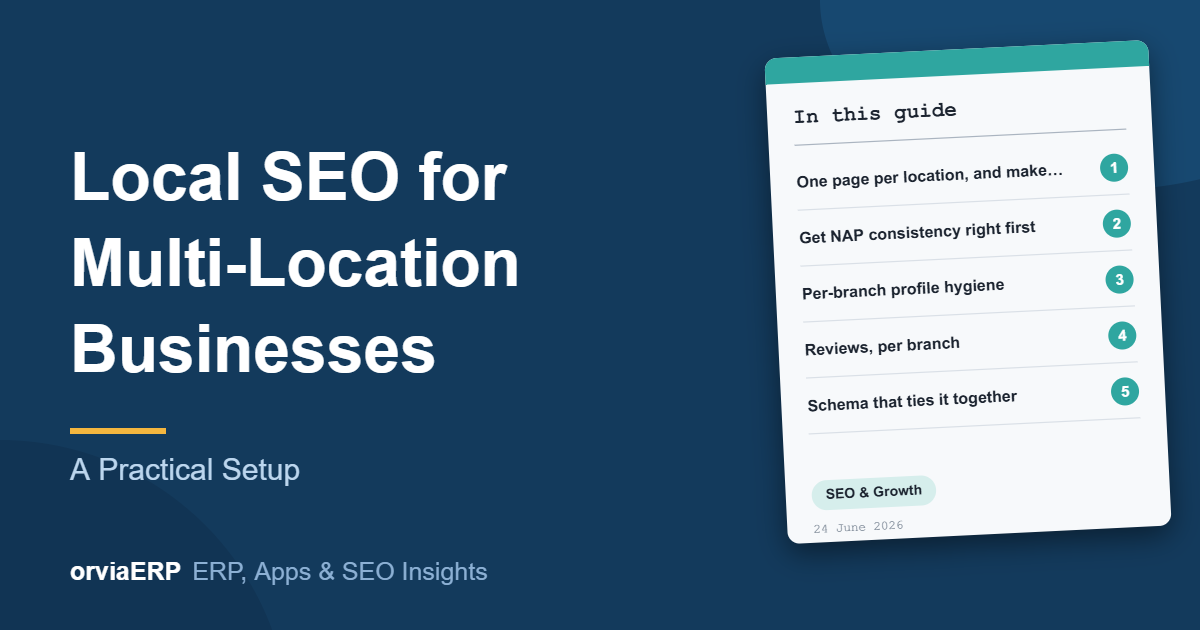
One page per location, and make each one different
Every branch needs its own indexable page with its own address, phone number, hours, staff, photographs and directions. Swapping the city name in one template produces near-duplicate pages that rank for nothing. Each page needs genuinely local content: parking, nearby landmarks, and which services that branch actually offers.
Give each page a clear URL such as /locations/gurugram, a title that names the service and the city, and a link back to a main locations page so crawlers can find every branch.
Get NAP consistency right first
NAP means Name, Address and Phone. They must match character for character across your website, Google Business Profile and every directory. "Shop 4, MG Road" and "Shop No. 4, M.G. Road" are different businesses to a crawler. Fix the inconsistencies before you build links, otherwise you strengthen two conflicting signals.
Google Business Profile checklist for each branch
- A separate, verified Google Business Profile for every physical location.
- The correct primary category, which influences rankings more than most owners expect.
- Real photographs of that branch, refreshed every quarter.
- Service areas set honestly. Over-claiming dilutes relevance.
- Each profile linked to its own location page, not to the homepage.
- Opening hours kept current, including holiday hours.
Reviews, per branch
Reviews do not transfer between locations. A branch with four reviews will not outrank a competitor because head office has three hundred. Build a review request into the moment a job completes, and reply to every review. Response rate is visible to customers and tends to go with higher conversion.
Schema that ties the locations together
Each location page should carry LocalBusiness structured data with its own address, geo coordinates and opening hours, referencing the parent organisation. This is how search engines understand five branches as one company rather than five unrelated listings.
Multi-location local SEO at a glance
| Area | What to do | Common mistake |
| Website | One unique page per branch | One template with the city swapped |
| NAP | Identical everywhere | Different spellings across directories |
| Google Business Profile | One verified profile per location | A single profile for all branches |
| Reviews | Ask and reply per branch | Counting on head-office reviews |
| Schema | LocalBusiness on each location page | No structured data at all |
A simple monthly routine
- Check every branch profile for new questions, reviews and wrong hours.
- Reply to all new reviews within a few days.
- Add one fresh photograph or post per branch.
- Search your main services from each area and note your map position.
- Fix any NAP mismatch you find in a directory.
Frequently asked questions
Do I need a separate website for each branch?
No. One website with a separate page for each location is easier to maintain and lets every branch share the authority of the main site.
Can several branches share one Google Business Profile?
No. Each physical location that customers can visit needs its own profile. A single profile for many branches hides all but one of them.
Is it safe to use a virtual office address for a branch?
No. Google expects a real location that staff can serve customers from, and profiles with fake addresses risk suspension.
How long does multi-location local SEO take to work?
It depends on competition in each area. Technical fixes and profile clean-up can help within weeks, while reviews and rankings usually build over a few months.
How Orvia helps
Orvia sets up local SEO and Google Business Profile management for businesses with more than one location, from the location pages and schema to citations and review management. If your site also needs work, see our website development and SEO services. You may also like our guides on SEO for B2B and manufacturing companies and SEO for the US market.
Final thoughts
Multi-location local SEO is not about doing more for one branch. It is about giving every branch its own page, its own profile and its own reviews, all built on identical business details. Get that structure right once and each new location becomes a repeatable job rather than a fresh problem.
Want a local SEO plan for your branches? Send us a brief or call +91 91225 05250 and we will reply with a written scope and fixed price within 24 hours.